We have created a short video series addressing common issues in seeing your items.
Part 1 - Make sure to visit www.living.fit and click 'Login' in the top right corner.
Part 2 - ** Make sure you are either logging in or creating an account with the same email address you purchased with. We recommend double checking the email address you purchased with. On this page: https://www.living.fit/login you will need to either login if you have done so before or create a new account here with the same email address you purchased with.
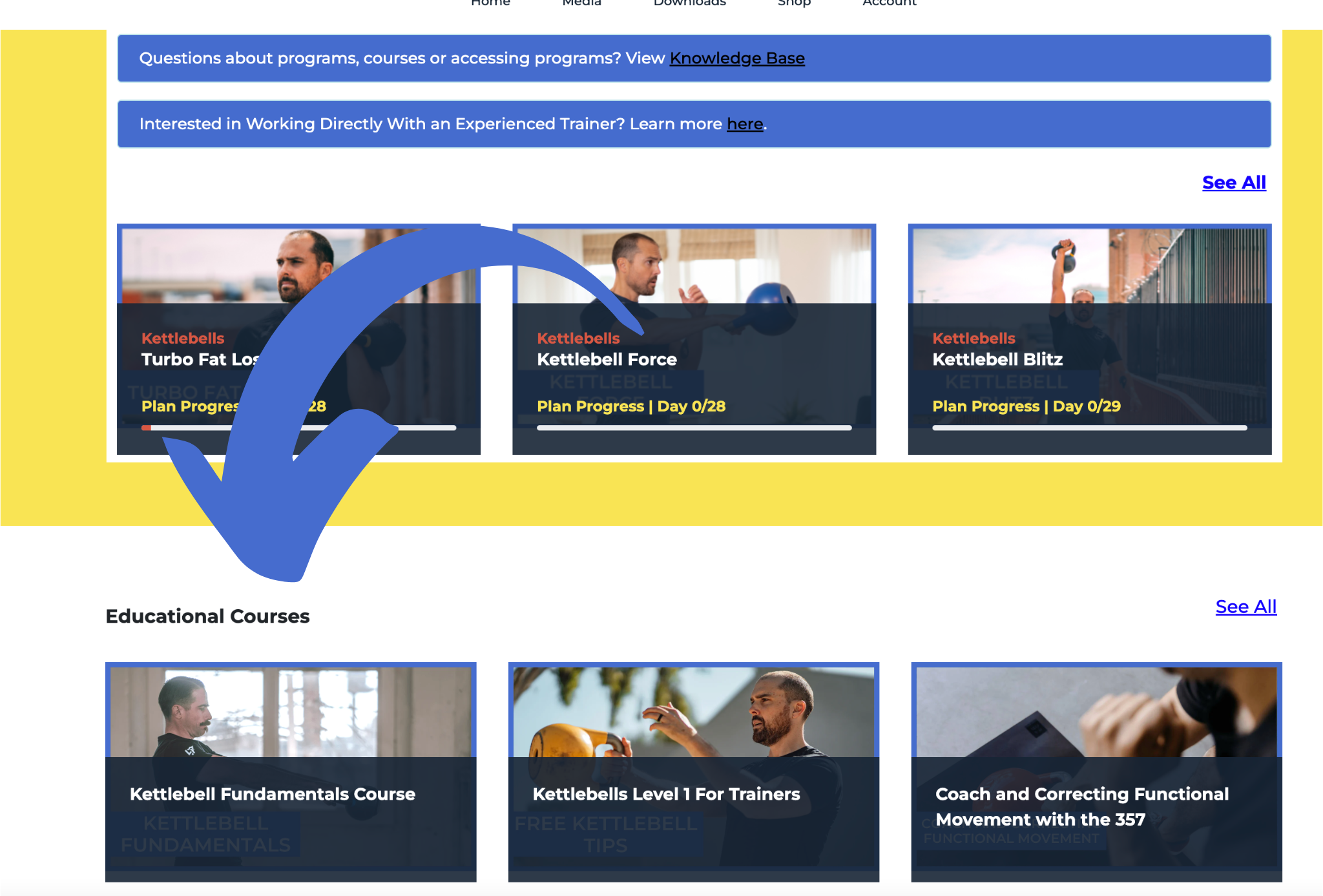
Part 3 - Workouts are above the fold under 'My Content'. Certifications and Courses are below that under 'Educational Courses'. You can view those on this page: https://www.living.fit/app
Course Are Below: